14 lessons · Chromebook & mobile ready
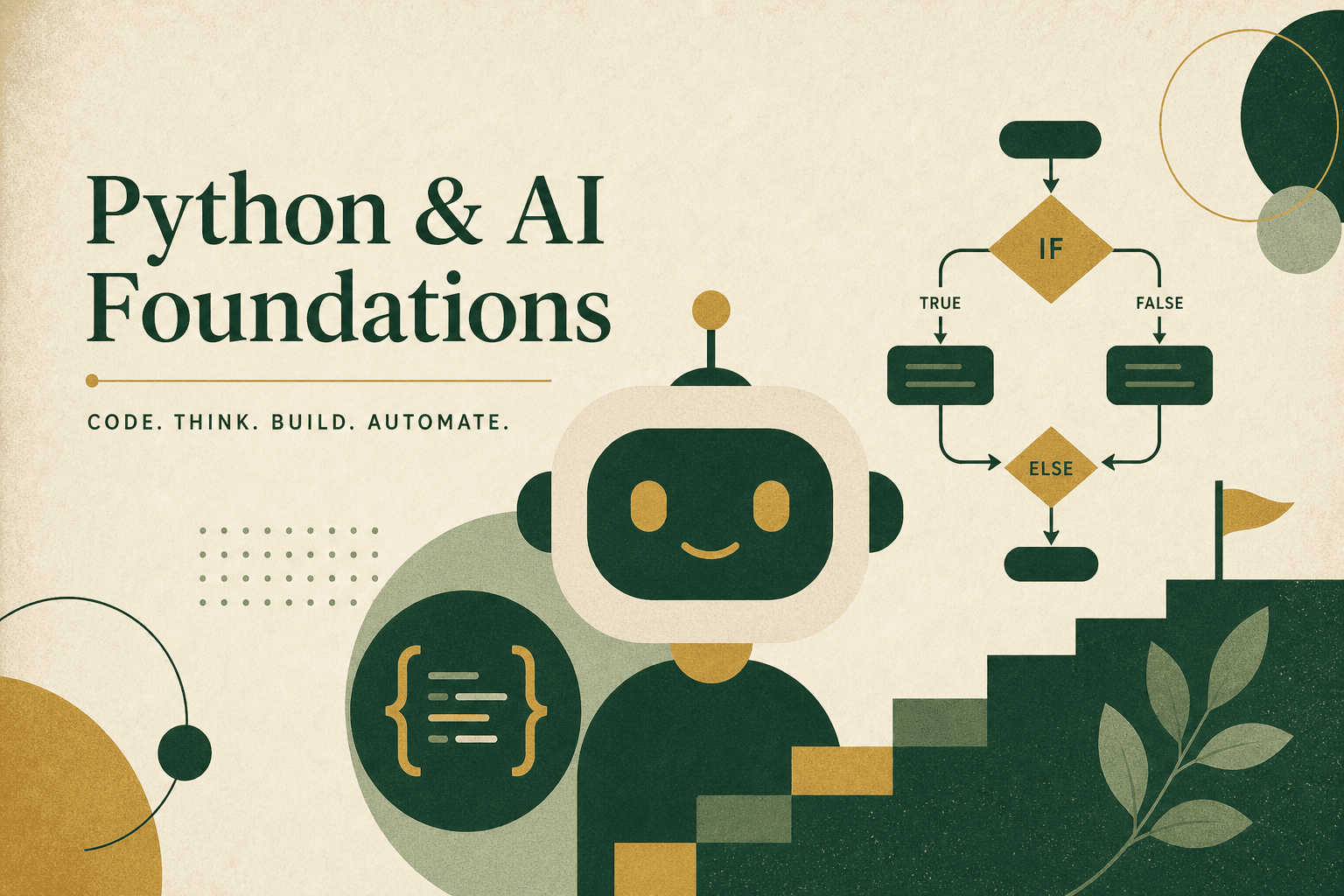
Python & AI Foundations
Build your first AI helper with Python
Write and run real Python in the browser — then ship a working AI helper you built yourself.
For learners & program leaders
What you'll walk away with
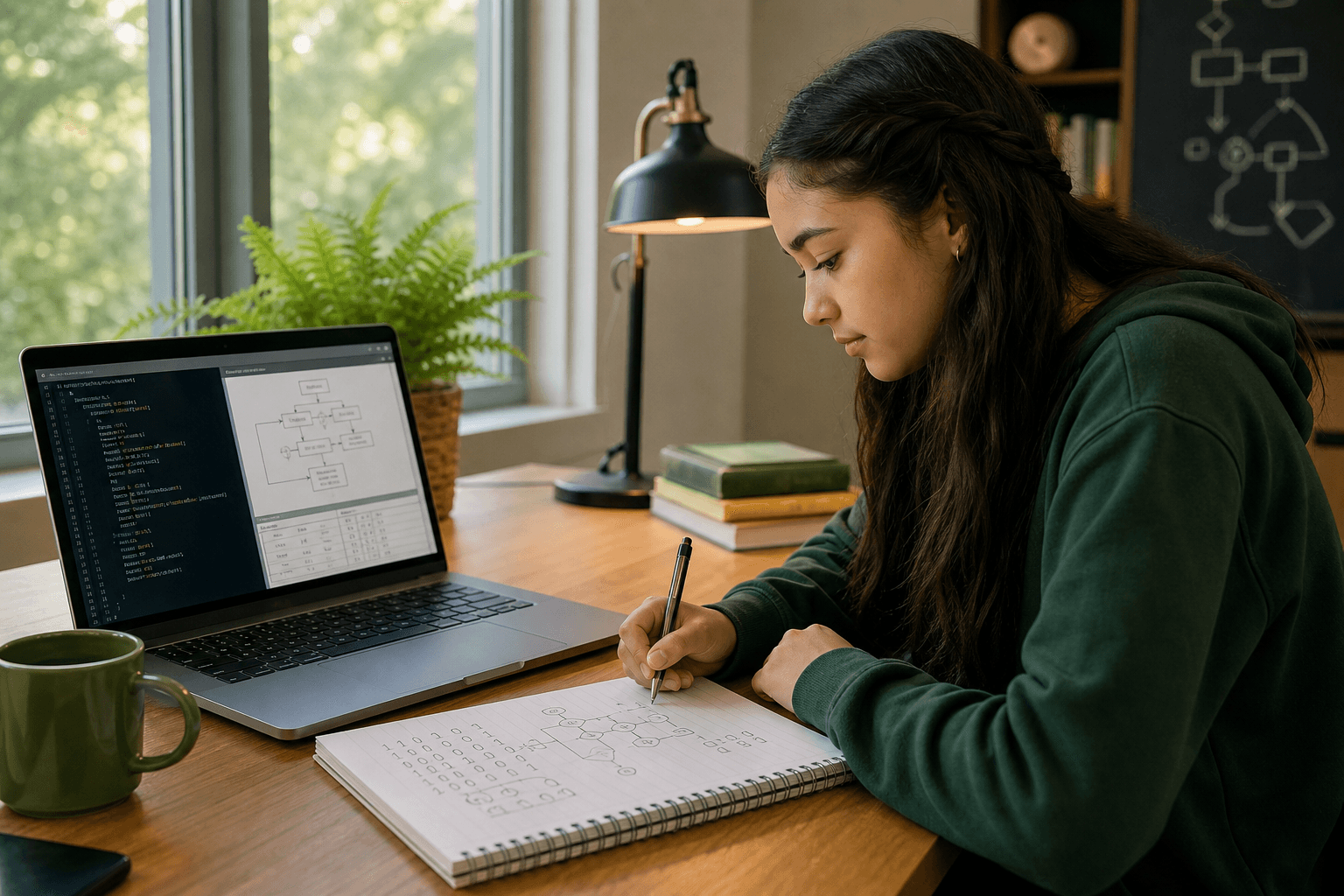
Beginners ready to write and run real Python in the browser — with live help or async practice. Flexible schedule — 16 sessions over 8 weeks.
- Write and run real Python in the browser — no special install
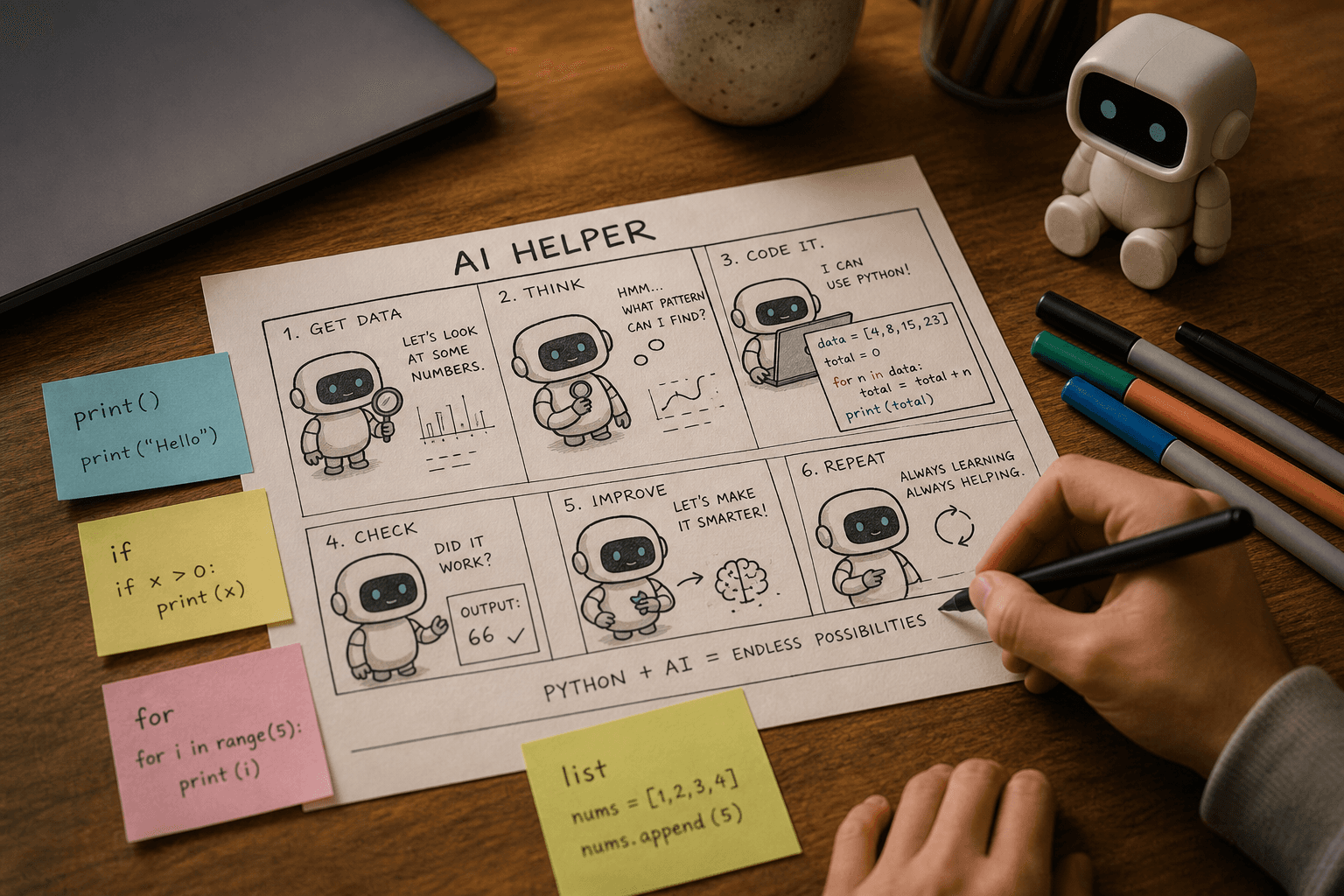
- Use variables, input/output, and conditionals to make programs decide
- Repeat work with loops and organize information with lists and dictionaries
- Build reusable skills with functions and parameters
- Guide a rule-driven AI helper and grow it into a playable project
- Finish by shipping a Quest Adventure Bot you can demo and explain
Skills · Capstone · Standards
Python fundamentals · Conditionals & loops · Lists, dicts & memory · Functions & parameters · Build an AI helper
Capstone: Quest Adventure Bot · Built to align with CSTA K–12 CS Standards · standards packet available
Inside the path
14 lessons · 8 weeks
Choose a week to see what each session teaches. Pace flexes to your classroom, family, or program.
01 · Learn it
Coach’s note, quick explainer, and word help — the goal and big idea in plain language.
02 · Do the activity
Guided practice with instant feedback, then a from-scratch challenge and check-for-understanding.
03 · Reflect
Ethics or reflection moments on AI, data, cyber defense, or digital citizenship.
04 · Earn XP & badges
Progress shows on a clear roadmap — for learners, families, and instructors.
Week 1 of 8
Meet Your AI Helper
Output, variables, and input — your AI says hello and listens.
01
Session 1
My First AI Helper
Write your first Python program: use a variable + print() to introduce your AI helper.
02
Session 2
My AI Helper Listens
Use input() to collect information and respond using the user’s input.
Get started
Try a lesson — then talk to us
Learners and families can demo the real lesson canvas first. Schools and programs: tell us your timeline and we'll help you pilot a class, after-school block, or Scout troop.
Families & learners
Demo with no account. Then reach out for a self-paced class code or live support.
Schools & admins
Class codes, roster progress, and standards docs — request a pilot when you're ready.