

For parents · Homeschool · Enrichment
Prepare your childfor a tech-shaped future.
Live 1:1 tutoring plus structured async tracks — coding, AI, data, cybersecurity, financial literacy, and digital literacy. Progress you can actually see.
Ways to learn
Live guidance. Real practice. Progress you can see.
Book a tutor who teaches. Pair it with async tracks so skills stick between sessions.
Recommended
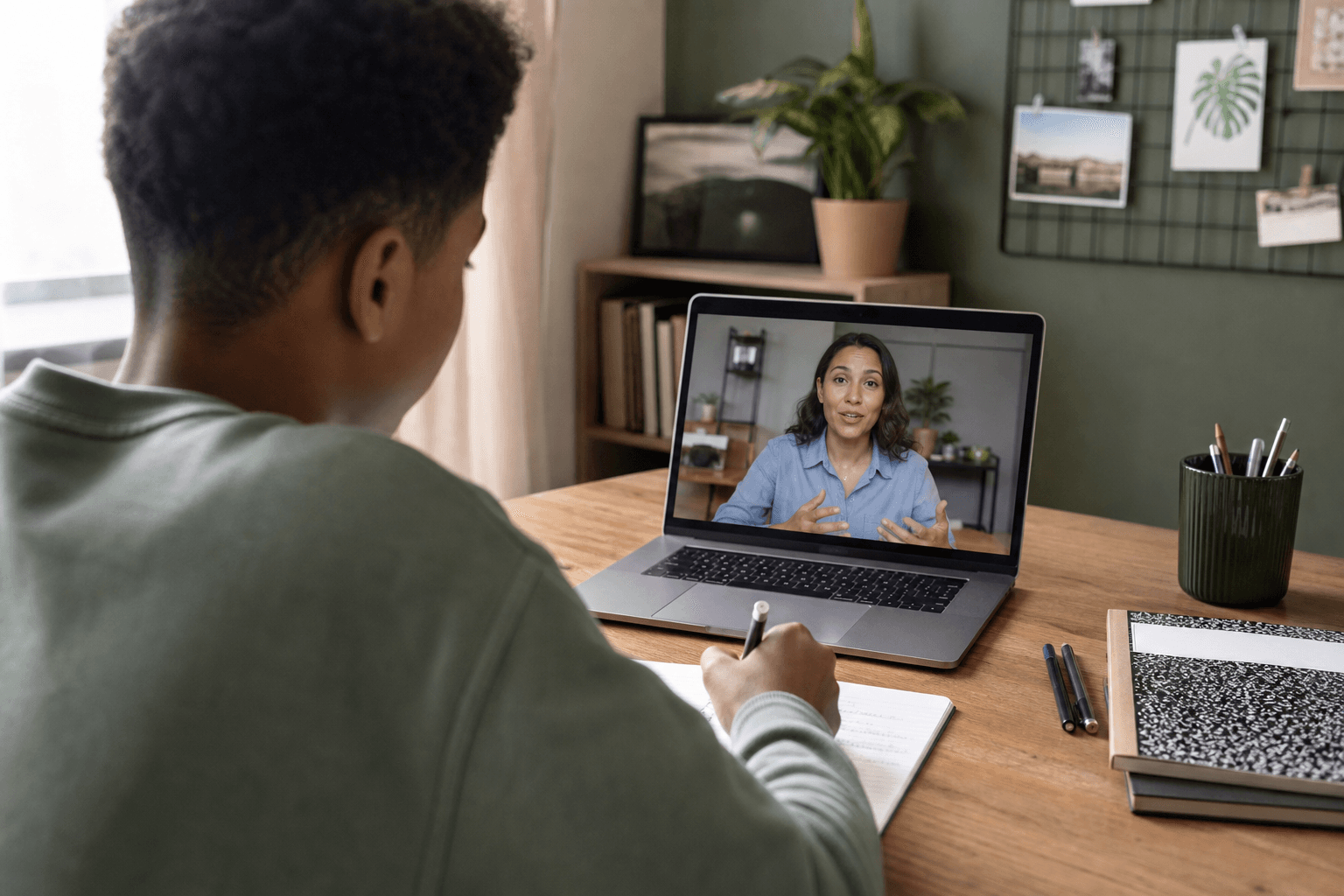
Live tutoring that moves them forward
1:1 online sessions with a Kanam instructor — real guidance, accountability, and momentum your child can’t get from videos alone.
See tutoring →

Platform
Async tracks that keep them practicing
Structured learning tracks with coach notes, auto-checks, and progress you can see — so practice continues between live sessions.
See platform →
At home
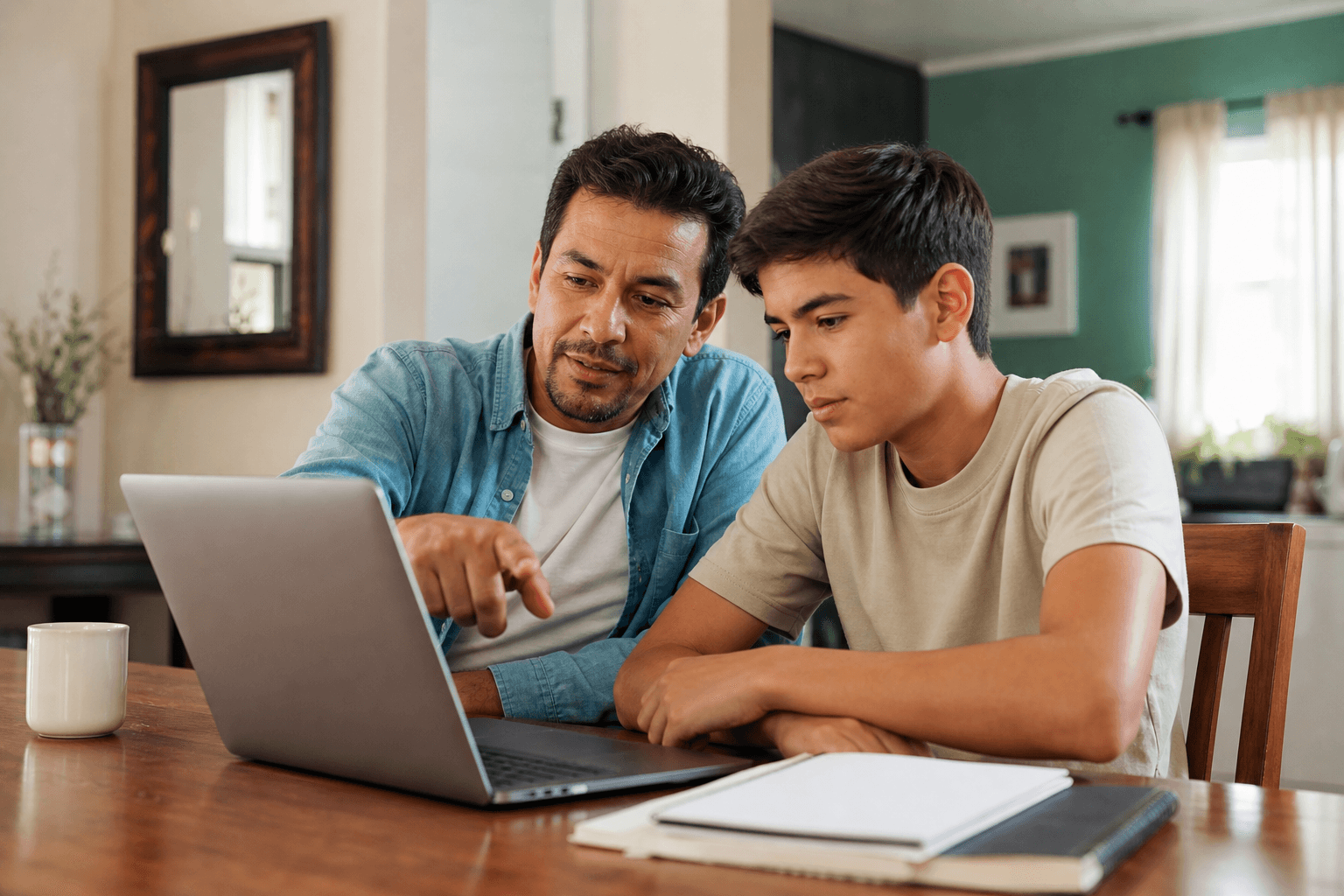
Homeschool enrichment that sticks
Future-ready skills — coding, AI, data, cybersecurity, financial literacy, digital literacy — without you becoming the CS teacher.
See how it works →

Why parents choose Kanam
Skills that prepare them — transparency that reassures you
The future asks for more than typing and apps. Kanam helps your child understand how technology works, use AI wisely, protect themselves online, and build real projects — at a price built for families.
- Try a real lesson first — guided demo, no account required
- Progress parents can see — roadmap, XP, badges, and capstones
- Clear pricing — async subscription and live sessions sold separately
- You don’t need to teach CS — coach notes and checks guide every lesson
- Curriculum aligns with CSTA K–12 Computer Science Standards
- Chromebook & mobile ready · no special software to install
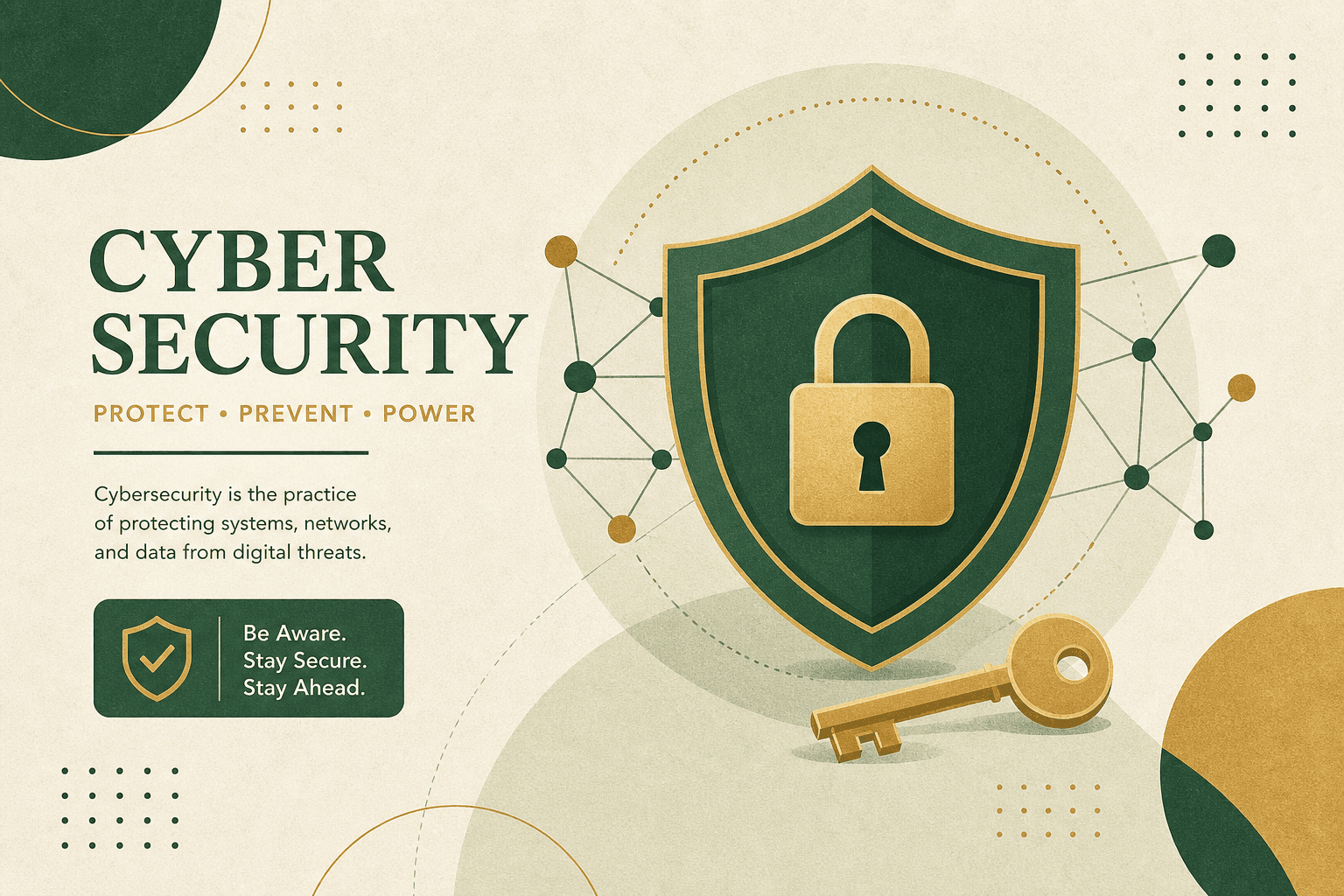
- Skills that matter: coding, AI literacy, data, cybersecurity, financial literacy, digital citizenship
Family pricing
Give your child a real instructor — not just another app
Live 1:1 tutoring builds confidence faster. Pair it with our async platform so they keep practicing between sessions — with progress you can actually see.
Best results
1:1 live tutoring
A Kanam instructor online — focused on your child. Unblock stuck moments, keep them accountable, and turn “I tried” into real skills.
- Per session
- $90
- 45–60 min
- Try one session
- $49
- Intro trial
- 4-session bundle
- $325
- Save $35 vs single sessions
- 8-session bundle
- $650
- Save $70 vs single sessions
- 16-session bundle
- $1,250
- Full track · save $190 vs single sessions
Pair with the platform
Async learning tracks
Structured tracks with coach notes and auto-checks — each full track is 16 sessions over 8 weeks, so practice doesn’t stop when the live session ends.
- Monthly subscription
- $30/mo
- Ongoing access to all tracks · includes Financial Literacy free
- Per learning track
- $100–$250
- Full program · 16 sessions · 8 weeks · Financial Literacy free with purchase
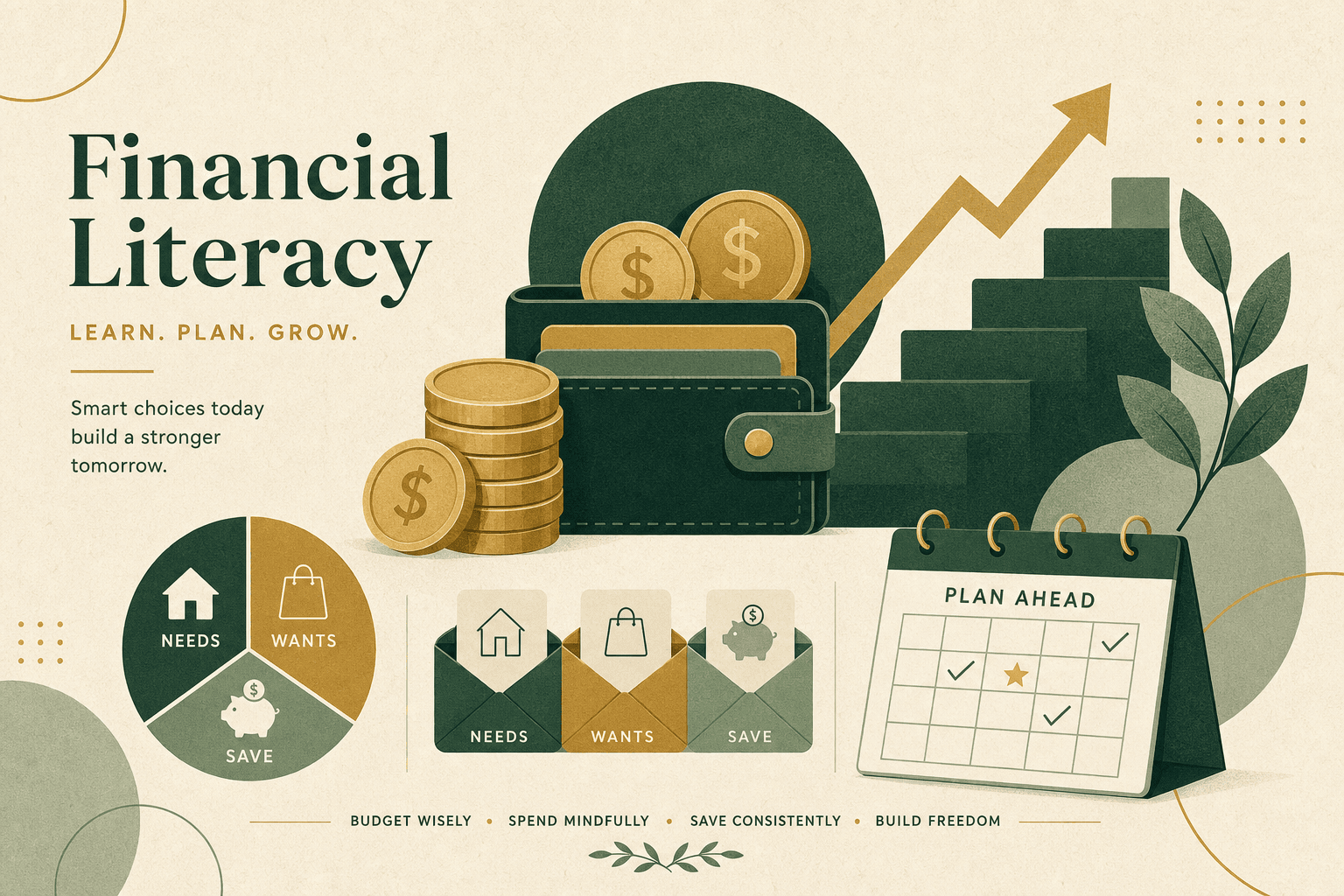
- Financial LiteracyFree*Details
- Digital Literacy$100Purchase
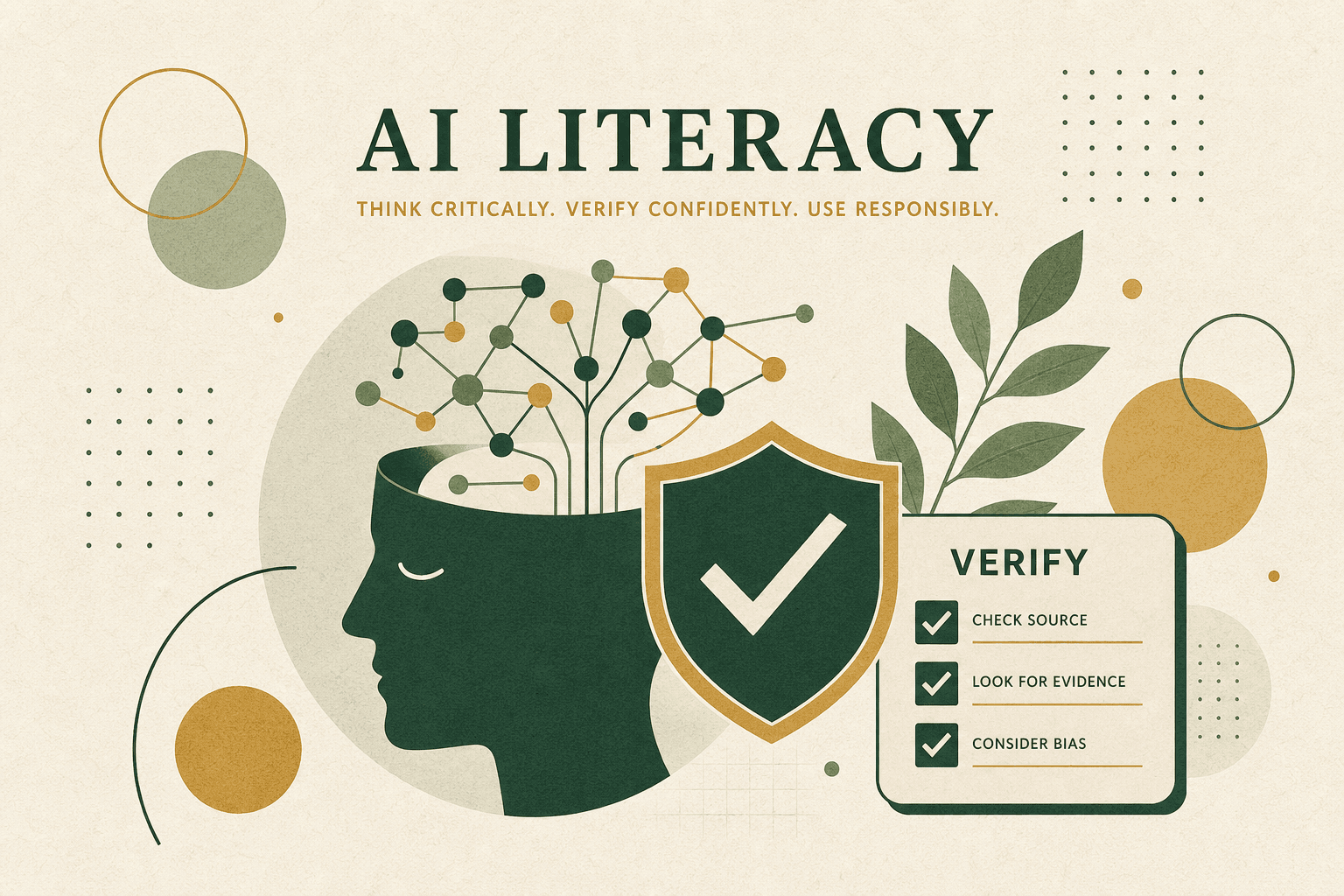
- AI Literacy$149Purchase
- Python & AI Foundations$169Purchase
- Advanced AI$200Purchase
- Cybersecurity$200Purchase
- Data Analyst$200Purchase
- AP CSP Prep$250Purchase
*Buy any other learning track or book tutoring and get Financial Literacy included free ($100 value). Monthly access ($30/mo) already includes every path, including Financial Literacy.
Sibling discount: 25% off platform for each additional learner in the household.
Ready to get your child a tutor? Start with a $49 trial session — checkout opens in the Kanam learning app.
How it works for parents
Simple to start. Easy to trust.
01
Try a free guided lesson
See the real experience with your child — coach notes, practice, Run & check, and XP.
02
Book live tutoring
Start with a trial session. Your child gets a Kanam instructor who unblocks, challenges, and keeps them moving.
03
Practice on the platform
Between sessions, they work async tracks — and you see roadmap progress, XP, and what’s next.
See it yourself
A real lesson — not a sales video
Open the guided demo with your child. You’ll see coach notes, a practice workspace, and Run & check feedback — the same experience they use every day.
Python + AI Hub
Quickstart: Meet Your AI Helper
Coach's note
Welcome to Kanam Academy.
Today you'll teach a computer to introduce itself — the same first step learners take in Kanam.
Big idea: Computers (and AI) do not guess. They follow your instructions exactly.
Python workspace
Exercise 1 — Store a name
Fill in the blank so name holds your name.
# Fill in the blank
name = "Alex"
Console output
Ready — press Run & check
What they’ll learn
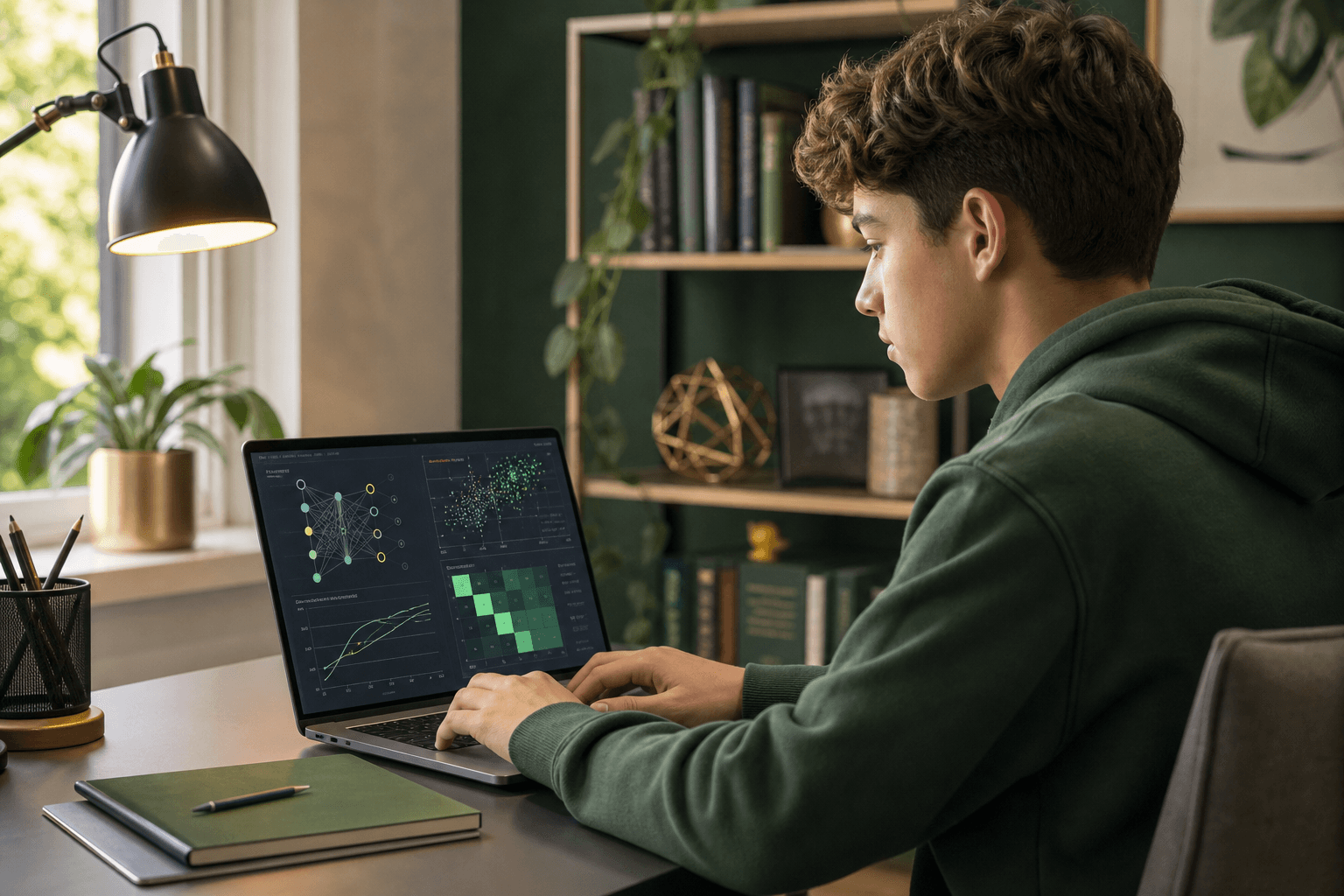
Eight paths toward future-ready skills
Choose what fits your child’s curiosity. Beginners welcome — with room to grow.
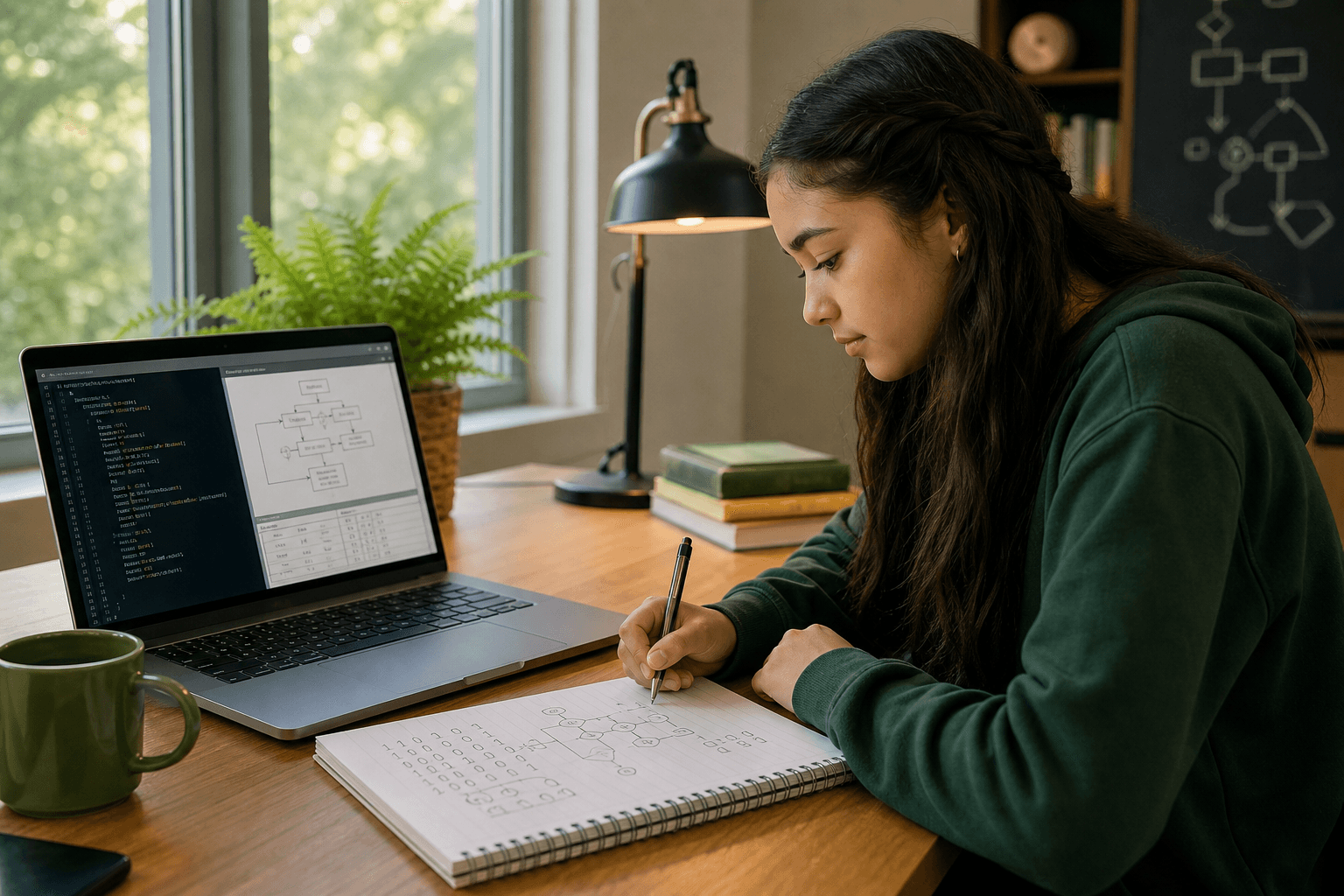
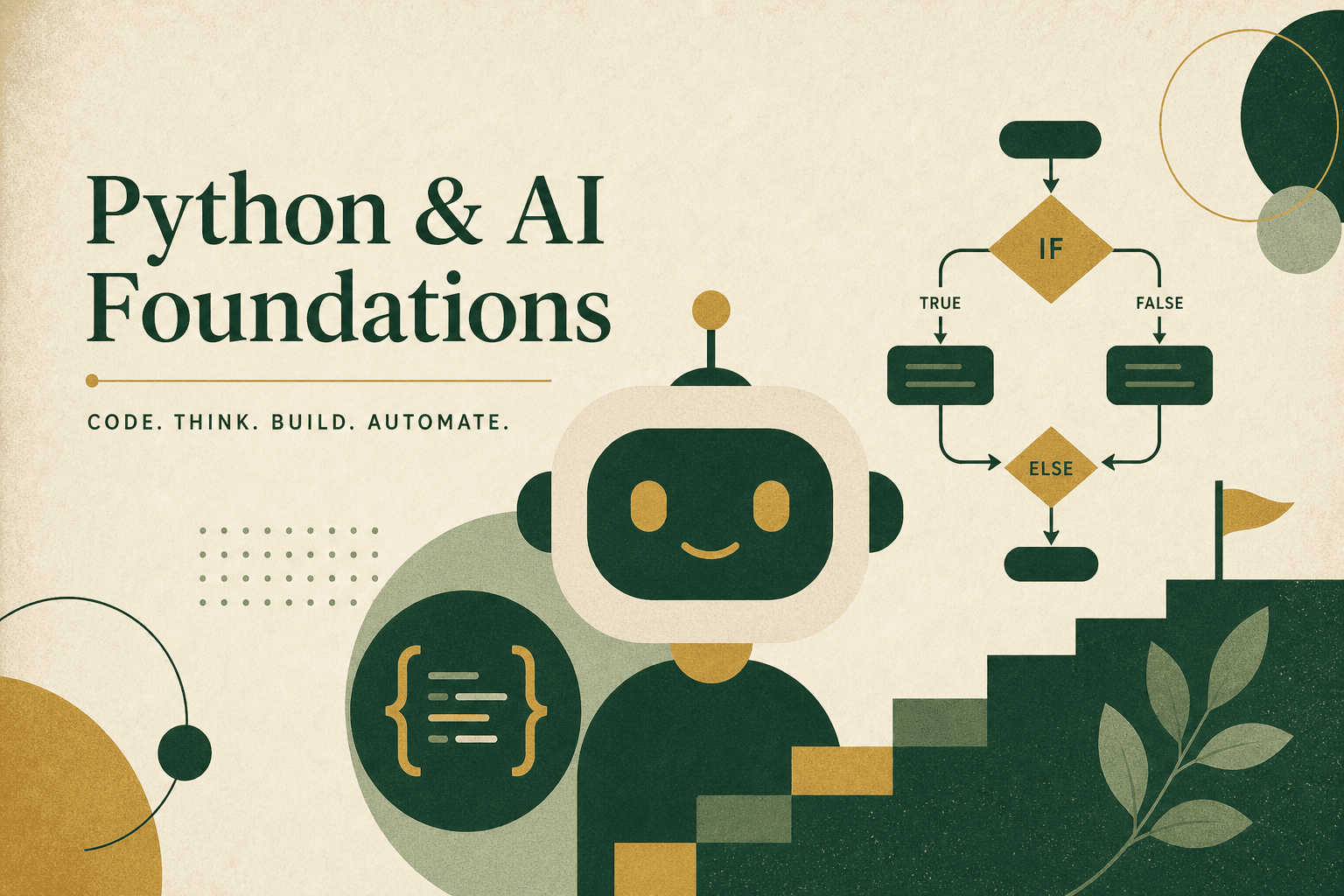
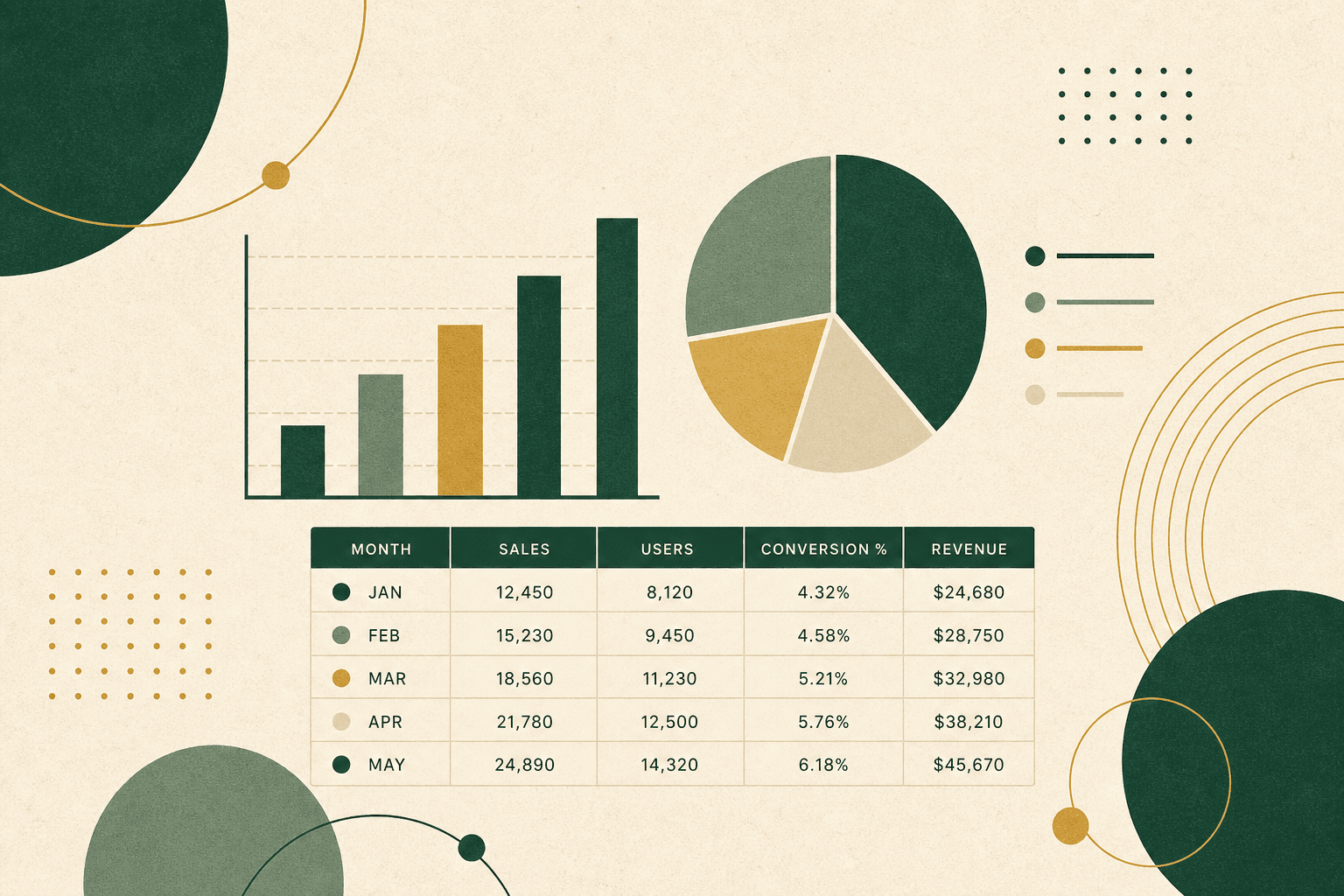
Parent FAQ
Straight answers
Is Kanam right for my child?
Kanam is built for teens and beginners learning tech — coding, AI, data, cybersecurity, financial literacy, and digital literacy. Paths start gentle and go deeper as confidence grows. Prior coding is not required.
Should we get live tutoring?
Yes — live 1:1 tutoring is how many families get faster progress, accountability, and a real instructor who can unblock their child in the moment. Pair live sessions with the async platform so they keep practicing between classes.
How much does it cost?
Live 1:1 tutoring is $90/session (45–60 min; trial $49). Platform access is $30/mo for all tracks, or one full track (16 sessions over 8 weeks, $100–$250). Financial Literacy free with any purchase ($100 value). Sibling discount: 25% off platform for each additional learner at home.
Can we use this for homeschool enrichment?
Yes. Families use Kanam for structured enrichment at home. Designed as 16 sessions over 8 weeks (~2 sessions per week) — the schedule flexes to your classroom, family, or self-paced needs. Chromebook and mobile ready — no special software.
Will I be able to see what they’re learning?
Yes. Progress is visible — roadmap, lessons completed, XP, badges, and capstone projects — so you’re not guessing what “screen time” accomplished.
What device do we need?
Chromebook and mobile ready — works in the browser with no special software to install.
Next step
Give your child a real Kanam tutor
Start with a $49 trial session. Add async tracks so practice continues between classes — with progress you can see.