16 lessons · Chromebook & mobile ready
Digital Literacy
Use technology safely, smartly, and ready for work
Master the tools of modern life — search, privacy, collaboration, and digital judgment that travel with you.
For learners & program leaders
What you'll walk away with
Anyone building stronger digital foundations for school, work, and everyday life online. Flexible schedule — 16 sessions over 8 weeks.
- Navigate devices, files, cloud storage, and how the internet fits together
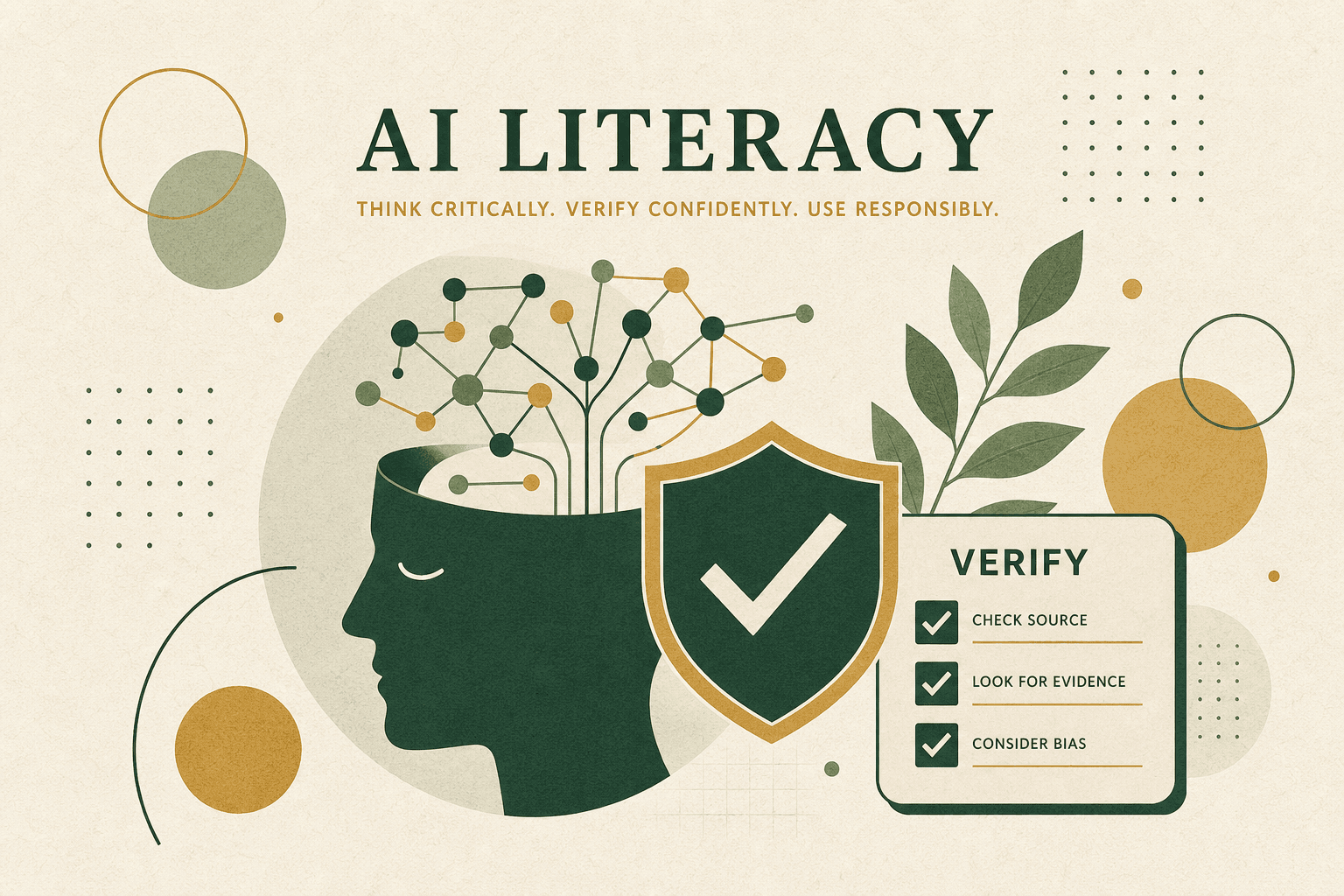
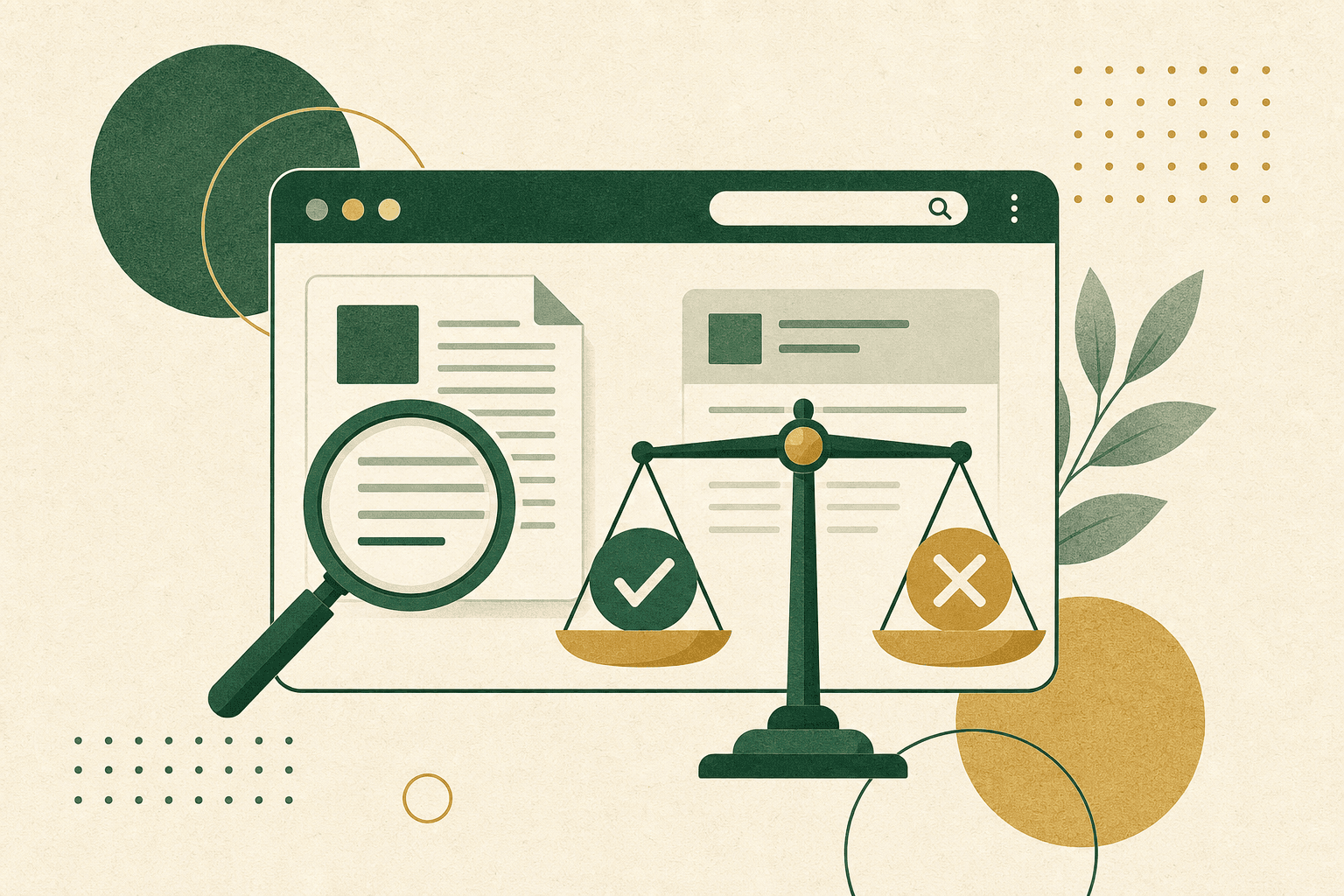
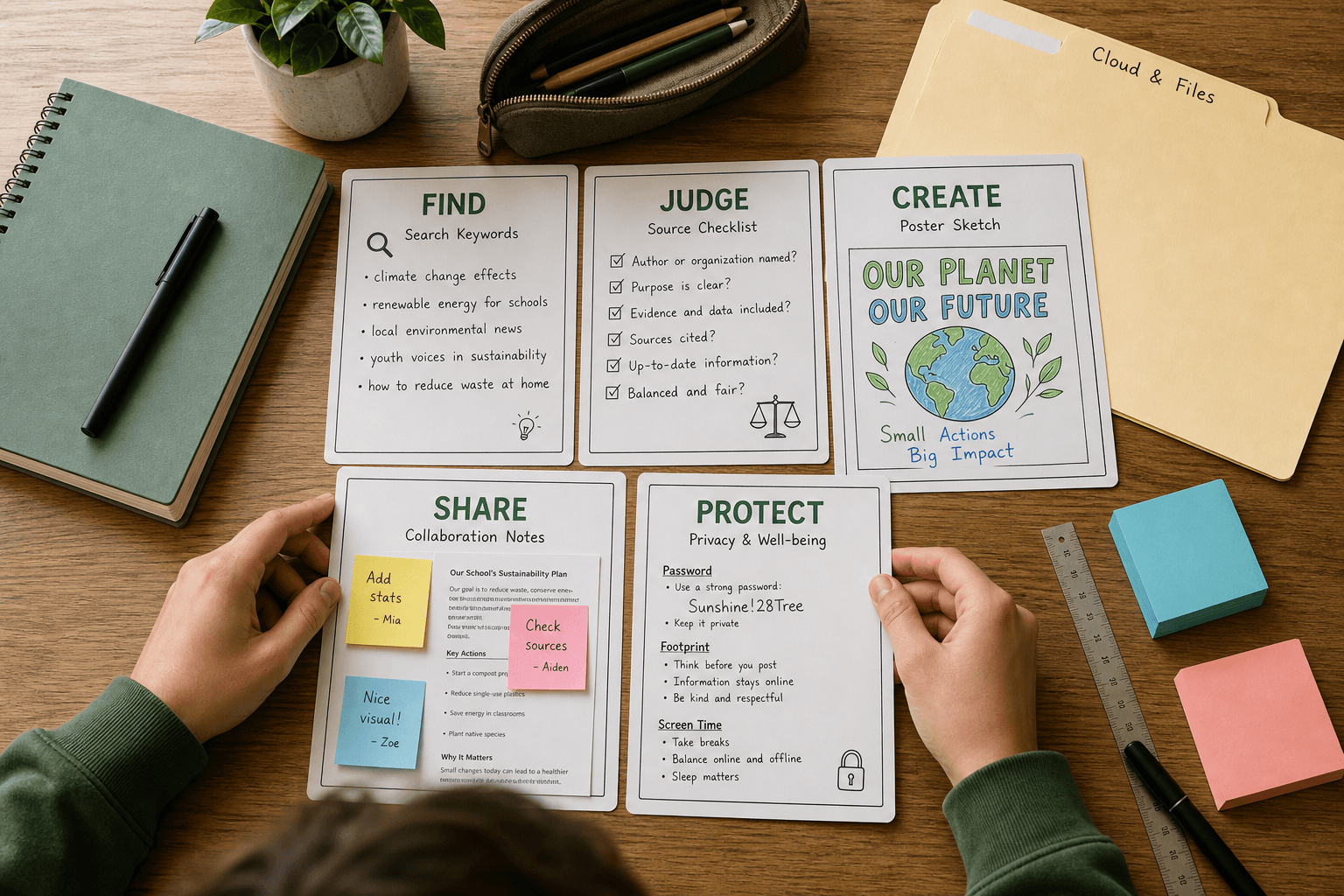
- Search smarter and judge whether information is trustworthy
- Communicate and collaborate clearly online — with strong digital citizenship
- Create and edit content while respecting copyright and giving credit
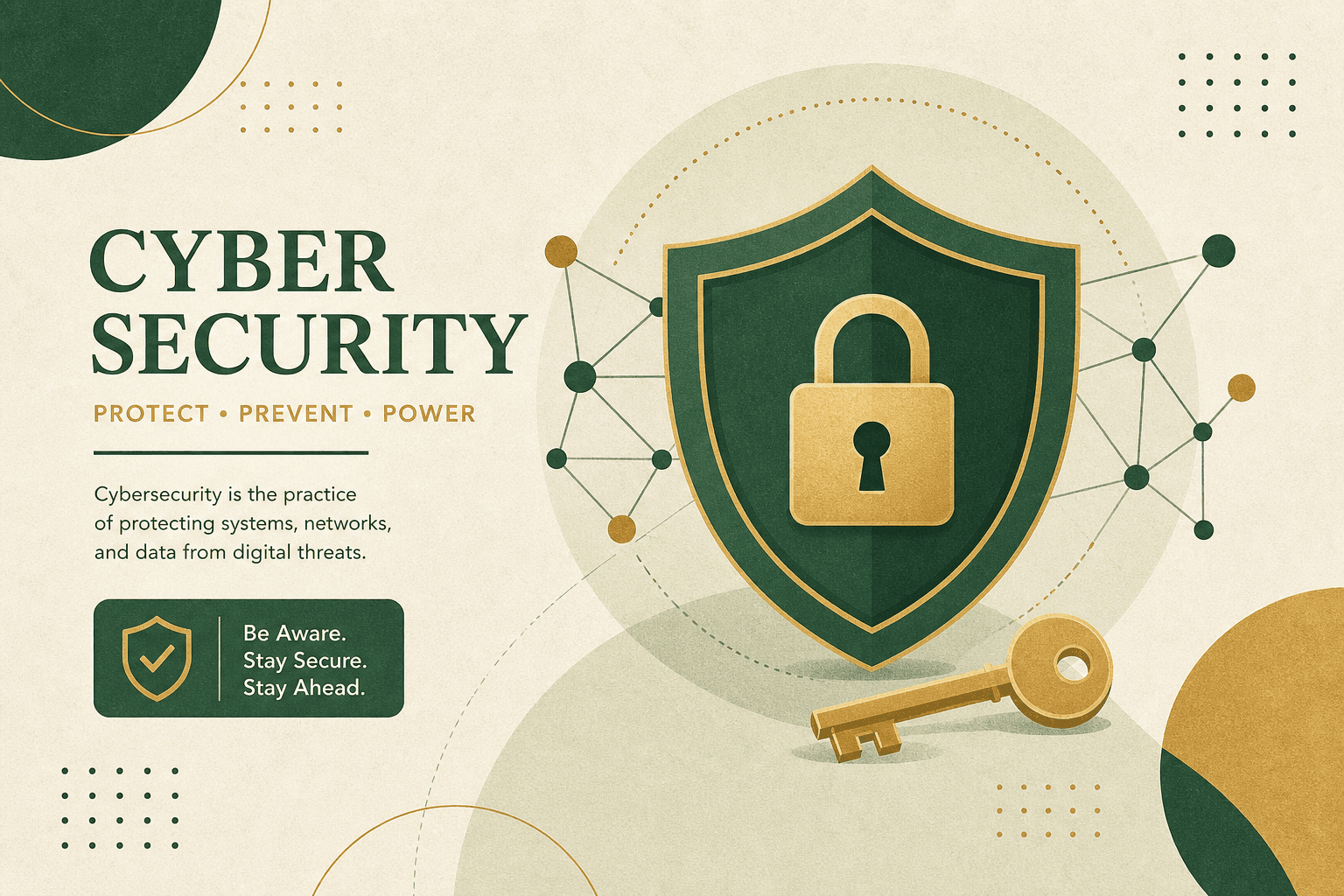
- Protect accounts, privacy, and wellbeing with practical habits
- Troubleshoot common tech problems and connect skills to school and work
Skills · Capstone · Standards
Smart search & judgment · Digital citizenship · Privacy & account hygiene · Cloud collaboration · Content creation basics
Capstone: Your Digital Toolkit · Built to align with CSTA K–12 CS Standards · standards packet available
Inside the path
16 lessons · 8 weeks
Choose a week to see what each session teaches. Pace flexes to your classroom, family, or program.
01 · Learn it
Coach’s note, quick explainer, and word help — the goal and big idea in plain language.
02 · Do the activity
Guided practice with instant feedback, then a from-scratch challenge and check-for-understanding.
03 · Reflect
Ethics or reflection moments on AI, data, cyber defense, or digital citizenship.
04 · Earn XP & badges
Progress shows on a clear roadmap — for learners, families, and instructors.
Week 1 of 8
Digital Foundations
How devices, software, and the internet actually work — and how to manage your files.
01
Session 1
How Computers & the Internet Work
Understand the basic parts of a computer (hardware vs software), what an operating system does, and how the internet, web, and cloud move information.
02
Session 2
Files, Folders & the Cloud
Organize files in folders, understand file types and extensions, know the difference between save and save-as, and use cloud storage with sync and backups.
Get started
Try a lesson — then talk to us
Learners and families can demo the real lesson canvas first. Schools and programs: tell us your timeline and we'll help you pilot a class, after-school block, or Scout troop.
Families & learners
Demo with no account. Then reach out for a self-paced class code or live support.
Schools & admins
Class codes, roster progress, and standards docs — request a pilot when you're ready.